


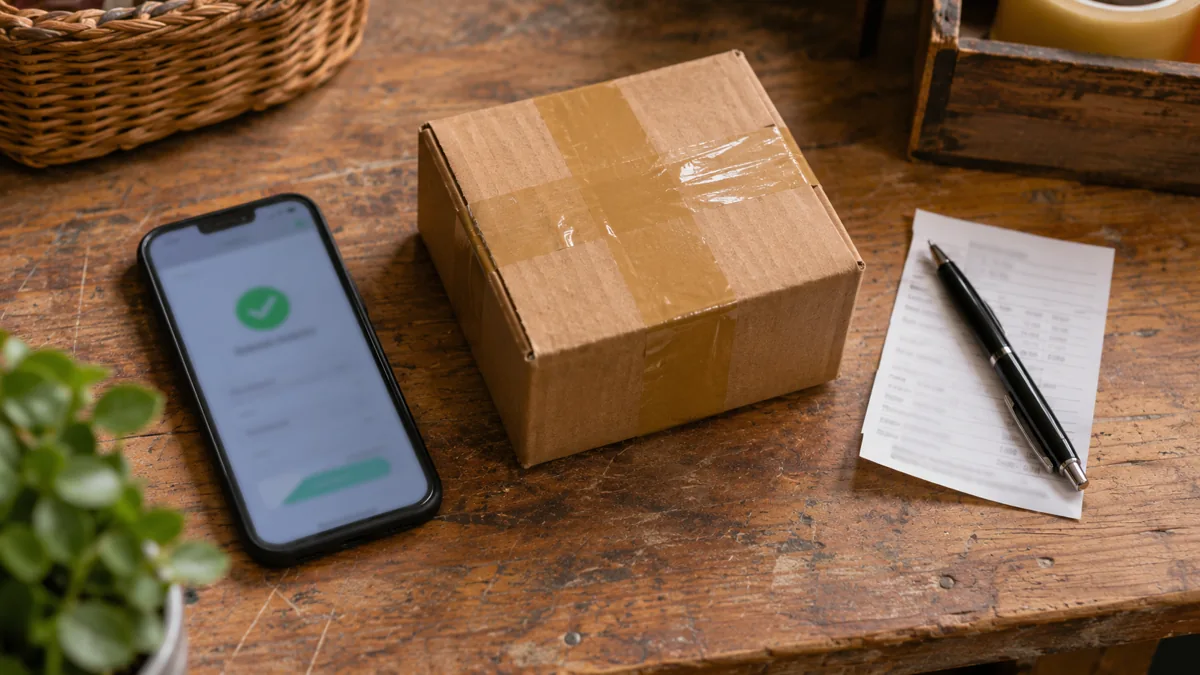
Before opening an online store to the public, order from start to finish. Choose the product by phone, pay, see how the order arrives at the warehouse and follow the process until delivery. Return the test. Then repeat the route with a failed payment and with a product whose stock runs out in the meantime.
If the store will launch a campaign, start with the references that will receive more visits and the payment and delivery methods that it will advertise. An order may appear completed for the customer and arrive at the warehouse without the right color. Finding out where this information is lost before the campaign prevents the error from repeating in the first orders.
Open the link that will appear in the ad
Ask someone who does not yet know the store to buy a product from the campaign link. Note where the person needs to stop and ask. The page should open with the variant that appears in the ad and show the corresponding price and availability. Try going back, reopening the link and refresh the cart. Also try entering as a guest when the store allows you to buy without creating an account.
Next, test two baskets. In one, choose a normal item. In the other, add a heavy product, a pre-sale or a variant with a different deadline. See what happens to ports, the expected date and discounts. For sales to consumers, the European information on distance selling brings together the items to be presented before the purchase, including the total price, charges and delivery and return conditions.
Test a declined payment
Test a successful payment, a refused payment and one that is pending. If you offer payment by reference, let a reference expire and confirm what happens to the booked stock. If the customer has to return from a payment provider page or a bank application, confirm that he finds the same cart on return. A broken mobile connection is a good scenario to check if the message indicates the next step.
The store panel and the provider panel must agree on which orders are paid. If the payment has been accepted and the confirmation page has never opened, confirm that the order exists and is processed once. If the customer re-clicks the payment button, look for duplicate charges or orders. The confirmation email must match the actual status and show the reference that the support will use. What information does the customer receive after buying, Your Europe
Pack the order and request a return
Ask the person who prepares the orders to use the actual test order data. Compare the variant and quantity that appear in the store, the preparation list and the label. Check if the tracking number matches the box. If you sell to the mainland and the islands, test an address for each destination and confirm what happens when an article is out of the shipping options. If an order gathers items from two warehouses, also confirm that the customer receives the follow-up of each volume and knows what will arrive at each delivery.
Also simulate the return of part of an order. The team must be able to identify the returned item, restore stock where appropriate and refund the correct amount. On the side of the buyer, the route begins in the return policy: indicate where to communicate the order, what data to send and how to deliver the merchandise. In distance purchases to professional sellers, the right to retract is generally 14 days from the delivery of goods, with exceptions. Retraction right and return costs, Your Europe
Compare events with a real order
The analytics tool can register that someone has started the completion of the purchase, chosen the delivery or paid. Mount the report with a clear distinction between created and paid orders. If you use Google Analytics 4, a e-commerce documentation explains the start of purchase, payment, purchase and refund events. Use the transaction identifier to reconcile the records with the store and check to reload the confirmation page duplicates the purchase in the metrics.
Before activating the campaign, make a purchase under real conditions that the team can track and reimburse. Compare the paid total, order status, stock drive and analysis log. Combine those who interrupt the campaign if a valid address starts to fail or payments fail to reach the panel. After launch, follow the deadlines and requests for support to detect problems that a test purchase hardly gets.
If you are planning the launch campaign, see the guide to digital marketing for online stores.